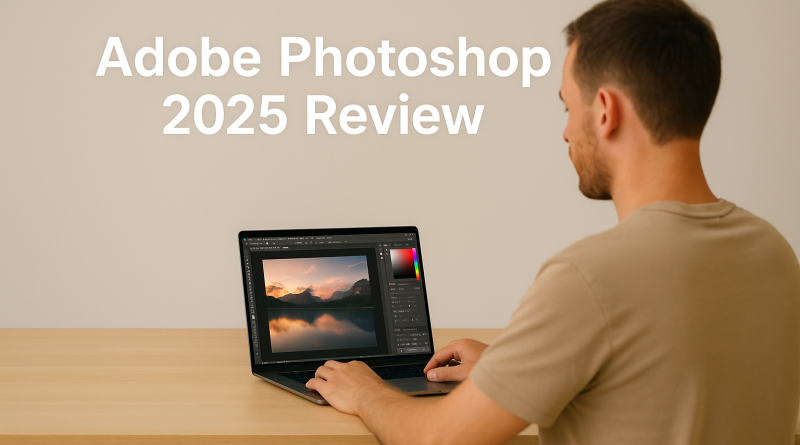
Adobe Photoshop Review (2025): The Gold Standard in Creative Editing
This article may contain affiliate links. This means we may earn a small commission if you make a purchase, at no extra cost to you.
Adobe Photoshop continues to stand at the forefront of digital creativity. In 2025, it remains the most powerful and versatile image-editing software available, used by professionals in photography, design, advertising, digital art, and content creation. With new AI capabilities powered by Adobe Sensei, Photoshop now offers faster workflows, smarter tools, and more intuitive editing for every skill level.
This review explores Photoshop’s core features, its newest innovations, pricing, who it’s best for, and whether it remains worth it in 2025.
⭐ What Is Adobe Photoshop?
Photoshop is Adobe’s flagship software for image editing and creative manipulation. Known worldwide for its precision and power, Photoshop supports everything from simple photo fixes to complex multi-layered digital artwork.
It’s designed for:
-
Photographers
-
Graphic designers
-
Digital artists
-
Marketers & content creators
-
Social media editors
-
Web designers
-
Anyone needing professional image control
Photoshop is included in Creative Cloud, with cloud storage, updates, and cross-app integration.
🎨 Key Features of Photoshop (2025)
1. Generative AI Tools
Photoshop’s newest AI features elevate creativity and speed:
-
Generative Fill — Add, remove, or extend areas of an image using AI
-
Generative Expand — Effortlessly widen or reshape image borders
-
Object Removal — Remove distractions cleanly
-
AI Brush Refinements — Smarter edge detection for hair, clothing & textures
These tools drastically reduce editing time and open the door to new creative possibilities.
2. Industry-Leading Layers & Masks
Photoshop’s layers system remains the best in the industry.
Users can:
-
Combine multiple elements
-
Apply precise adjustments
-
Use masks for non-destructive edits
-
Create complex compositions
-
Organize unlimited layers efficiently
This is essential for advanced design and art workflows.
3. Advanced Editing Tools
Photoshop includes powerful features such as:
-
Healing brush & clone stamp
-
Liquify
-
Blend modes
-
HDR tone adjustments
-
Gradients, brushes & vector shapes
-
Smart filters
These tools allow total control over color, texture, retouching, and visual style.
4. AI-Enhanced Photo Correction
Powered by Sensei, Photoshop now offers:
-
Automatic color correction
-
AI-based skin retouching
-
Lens correction tools
-
Noise reduction
-
One-click enhancement options
Perfect for photographers editing large batches of images.
5. Seamless Integration with Creative Cloud
Photoshop works flawlessly with:
-
Lightroom (photo catalog & raw editing)
-
Illustrator (vector graphics)
-
Premiere Pro & After Effects (video production)
-
Adobe Fonts
-
Cloud Libraries
This interconnected workflow is a major advantage over standalone editing apps.
💰 Pricing for Photoshop (2025)
Photography Plan
Includes Photoshop + Lightroom.
Ideal for photographers.
Photoshop Single App Plan
Includes Photoshop for desktop + Photoshop for iPad + cloud storage.
Creative Cloud All Apps
Best for designers and professionals who use multiple Adobe apps.
Adobe updates Photoshop regularly—your subscription always includes the latest version.
✔️ Pros & Cons
Pros
-
Most complete image-editing tool on the market
-
AI features dramatically accelerate workflows
-
Professional color and composition tools
-
Excellent for both photos and digital art
-
Integrates with Adobe’s creative ecosystem
-
Huge library of tutorials & resources
Cons
-
Subscription model only
-
High learning curve for beginners
-
Requires a capable computer for large files
👤 Who Should Use Photoshop?
Photoshop is ideal for:
-
Professional photographers
-
Graphic designers
-
Digital artists & illustrators
-
Marketing teams
-
Agencies
-
Social creators
-
Anyone who needs precision editing
If your work demands professional results, Photoshop remains unmatched.
🧾 Final Verdict: Is Adobe Photoshop Worth It in 2025?
Yes — more than ever.
Photoshop continues to lead the creative industry thanks to its unmatched depth, AI innovation, and superb integration with Adobe’s ecosystem. Whether you’re editing portraits, designing graphics, or creating digital art, Photoshop delivers power, flexibility, and reliability.
For creatives serious about quality, Photoshop is still the gold standard.